
Microsoft Visio Professional 2021 – 1 PC – Windows
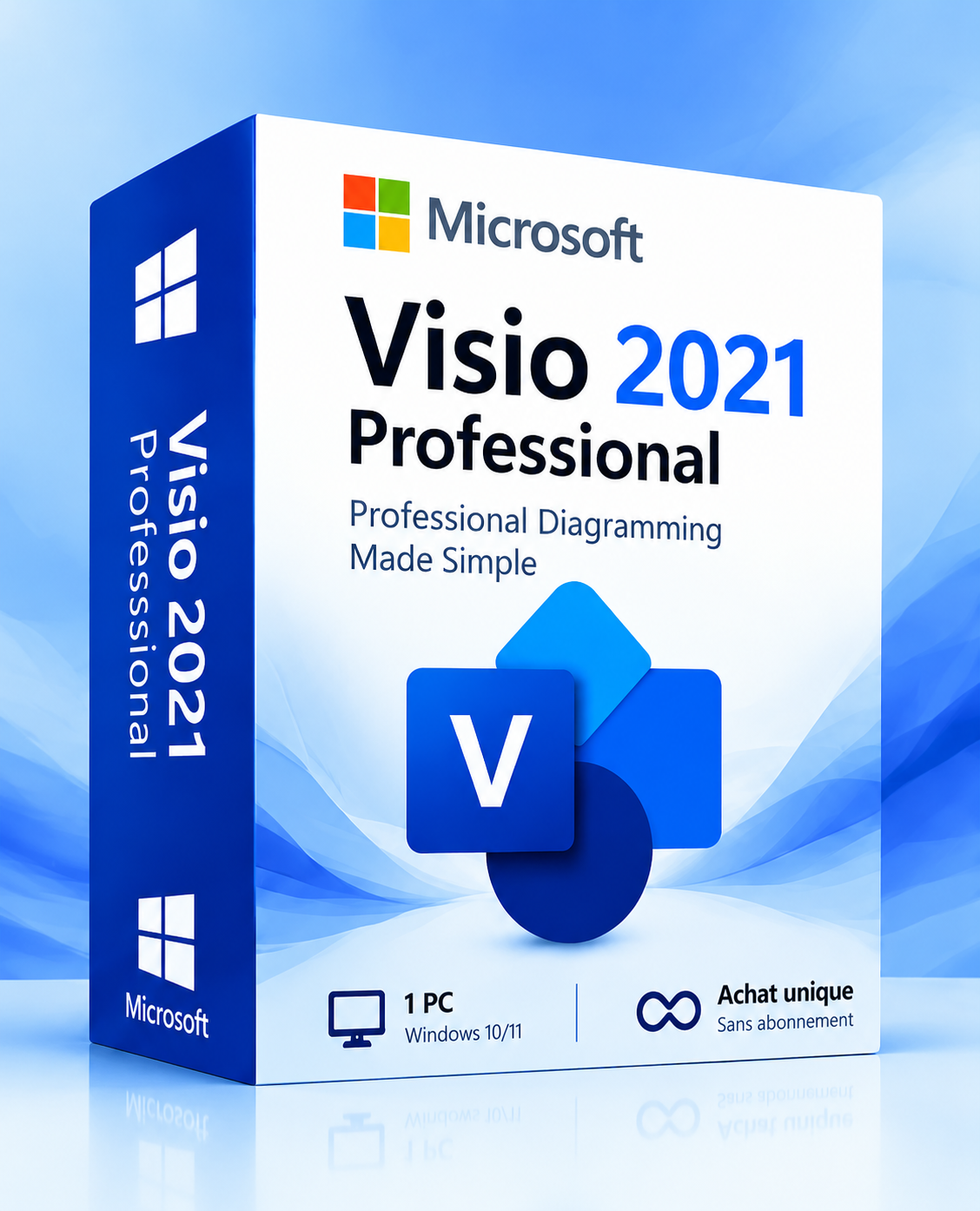
Microsoft Visio Professional 2021 – 1 PC – Windows
Easily create professional diagrams, flowcharts, and technical schematics with Microsoft Visio 2021. Organize your ideas and visualize business processes with advanced creation tools.

Product Description
Microsoft Visio 2021 Professional — Visualize Your Ideas with Precision
Microsoft Visio 2021 Professional is advanced diagramming and modeling software engineered to transform complex information into clear, professional visual representations.
Whether you need to map out your organization's hierarchy, outline business workflows, design IT network architectures, or document technical systems, Visio equips you with an extensive library of templates, shapes, and drafting tools.
With its intuitive interface and advanced feature set, Microsoft Visio 2021 Professional makes it simple to generate accurate, customizable diagrams tailored to every industry.
Why Choose Microsoft Visio 2021 Professional?

Ideal for Multiple Use Cases
Designed to transform complex business data into clear, structured, and actionable visuals:
Process Flowcharts
Optimize and visualize business workflows.
Org Charts
Map organization hierarchy and team structures.
Network Diagrams
Document IT infrastructure, topology, and servers.
Floor Plans & Schematics
Design architectural layouts and technical schematics.
Engineering Diagrams
Draft standardized engineering and technical projects.
Core Features & Capabilities
Explore the essential tools in Microsoft Visio 2021 Professional to design, organize, and share your diagrams:

Detailed Technical Specifications
Full software specifications and licensing details:
| Publisher | Microsoft |
| Product | Visio Professional 2021 |
| Edition | Professional |
| License Type | One-Time Purchase (Perpetual 1 PC License) |
| Supported Devices | 1 Windows PC |
| Operating System | Windows 10 / Windows 11 (32 / 64-bit) |
| Delivery | Instant Digital Delivery via Email (Key + setup instructions) |
| Available Languages | Multilingual (English, French, Spanish, German, etc.) |
| Category | Diagramming & Enterprise Productivity |
System Requirements for Microsoft Visio Professional 2021 – 1 PC – Windows
Please ensure your hardware and operating environment satisfy the following minimum requirements before redeeming your license key.
Customer Reviews — Microsoft Visio 2021 Professional
View AllEasy to Create Professional Diagrams
Visio makes it much easier to create flowcharts and organizational charts. The templates are helpful, and the interface is easy to navigate.
Great for Business Workflows
A useful tool for mapping business processes and presenting complex workflows in a clear, professional format.
Excellent Diagramming Tools
The shape libraries and connectors save a lot of time. I especially like how easy it is to organize detailed diagrams.
Very Useful for IT Projects
The network diagram templates are helpful for documenting IT infrastructure and planning technical projects.
Powerful Software with a Learning Curve
Visio offers plenty of professional features. Some advanced tools take time to learn, but the results are worth the effort.
Delivery & Activation
How to receive, install, and activate Microsoft Visio 2021 Professional?
Step 1 — Place Your Order
Select your product and complete your purchase securely via our checkout system.
Step 2 — Email Delivery (1–2h)
Your digital product key, official download links, and installation guide are delivered directly to your inbox within 1–2 hours.
Step 3 — Download Software
Follow the provided step-by-step instructions to download genuine Microsoft Visio 2021 Professional setup files directly.
Step 4 — Install & Activate
Run setup on your Windows PC and activate the software using your dedicated 25-character product key.
Step 5 — Start Designing
Begin creating professional diagrams, flowcharts, org charts, and floor plans with complete confidence.
Frequently Asked Questions
Yes, Microsoft Visio 2021 Professional is fully compatible with Windows 11 and Windows 10 (both 32-bit and 64-bit systems).
While Word focuses on document authoring, Microsoft Visio is specifically engineered for professional diagramming, business process modeling, flowcharts, network architecture mapping, and engineering schematics.
Yes. Microsoft Visio 2021 Professional includes built-in stencils and customizable templates specifically designed for creating hierarchical org charts, team structures, and corporate reporting lines.
Yes. After initial download, installation, and license activation, you can run and use Visio entirely offline without an active internet connection.
Microsoft Visio 2021 Professional is a one-time purchase lifetime license. There are no recurring monthly or annual subscription fees.
This product license is valid for 1 PC Windows installation, allowing lifetime use on that single designated workstation.
Your digital license key, direct official Microsoft download links, and a comprehensive step-by-step setup guide will be delivered directly to your email address within 1–2 hours.
Microsoft completed official extended support for Visio 2021 on October 13, 2026. The software remains permanently functional under your perpetual license without further security or feature updates.
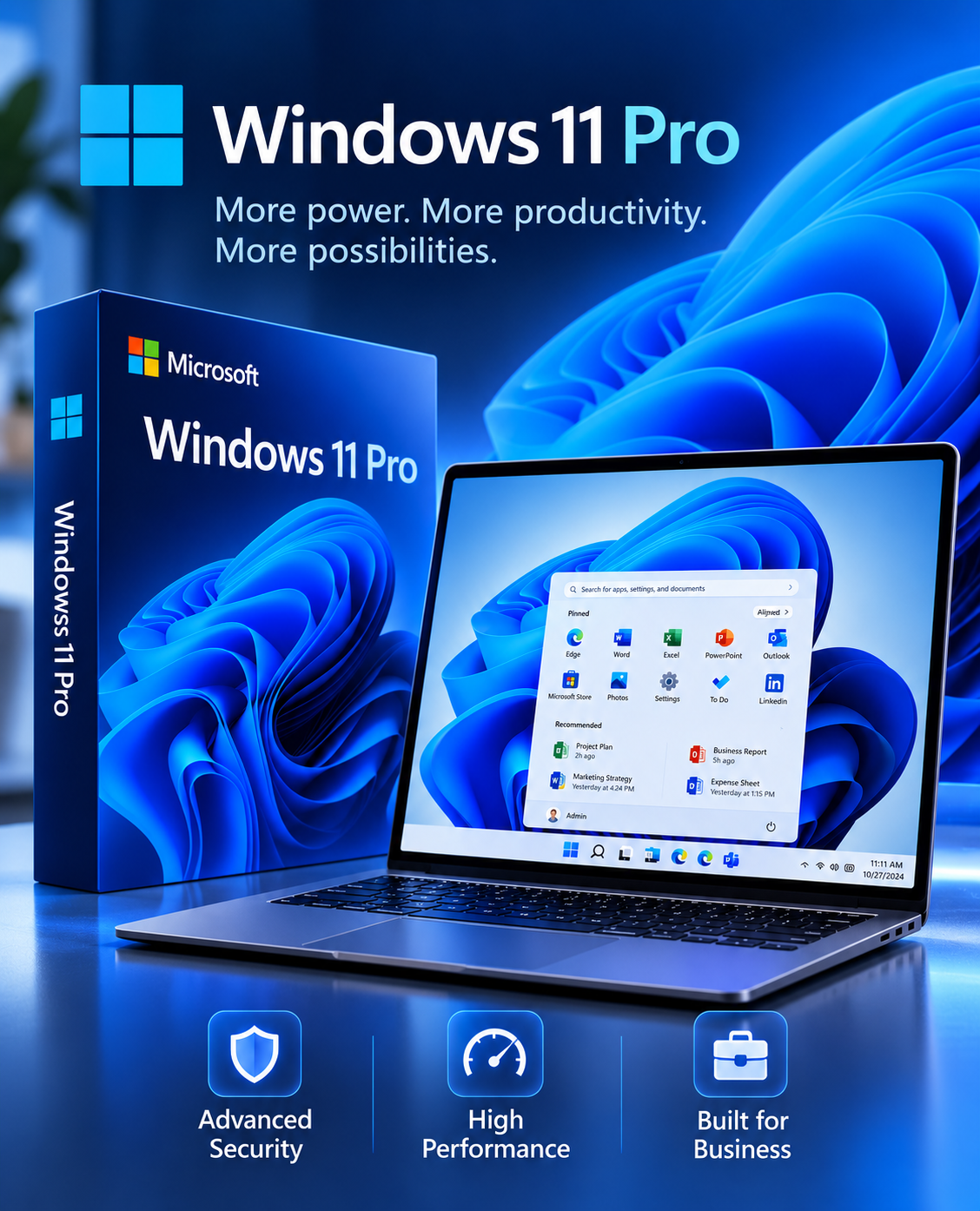
Windows 11 Professional – 1 PC – Lifetime
Microsoft SQL Server Standard 2022
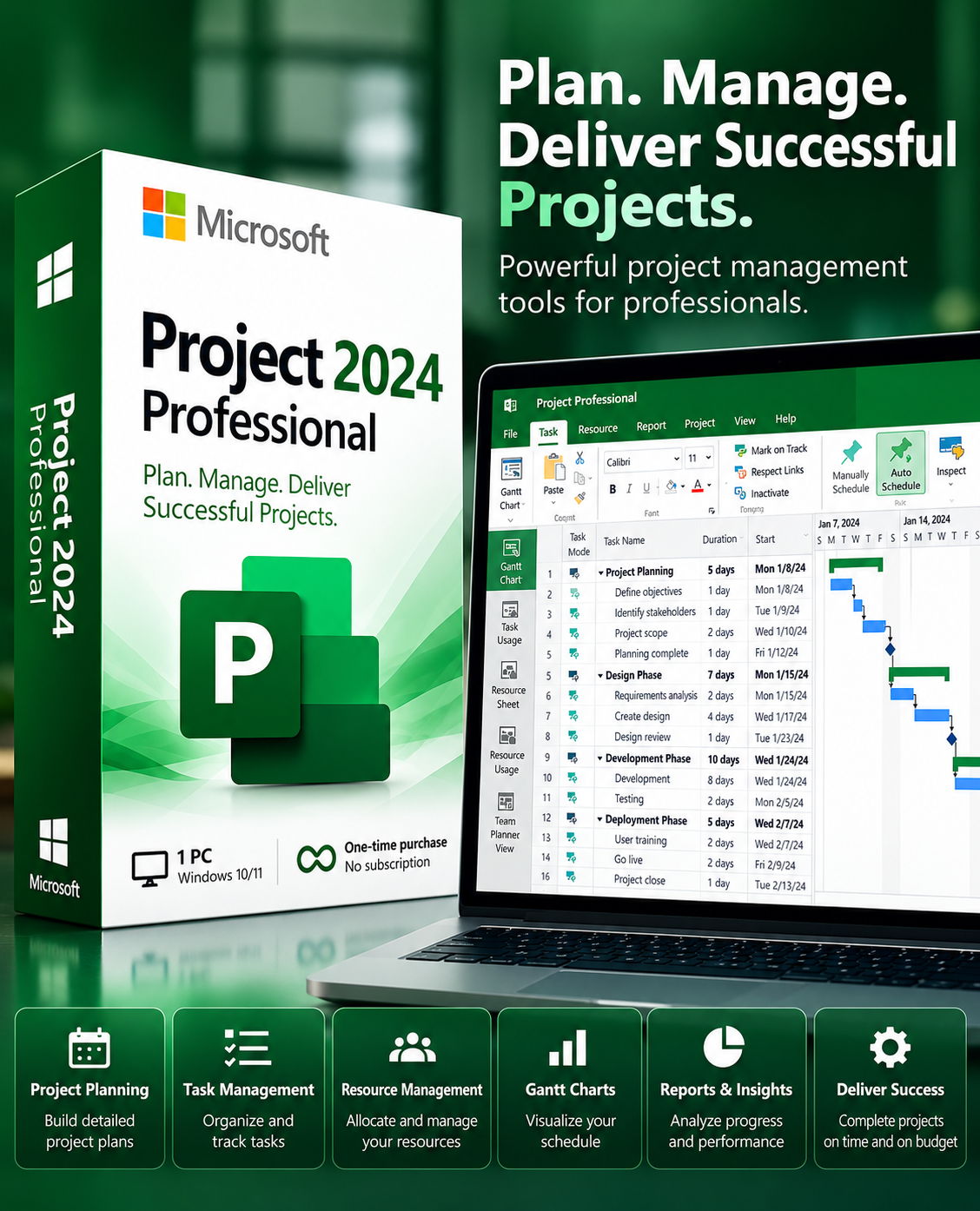
Microsoft Project Professional 2024 – 1 PC – Windows
Microsoft Visual Studio Professional 2022 – 1 PC – Lifetime
Need Help?
Our dedicated LUMEURA technical support team is available to assist you with installation, license configuration, and activation of Microsoft Visio 2021.
Write a Review