
Microsoft Project Professional 2024 – 1 PC – Windows
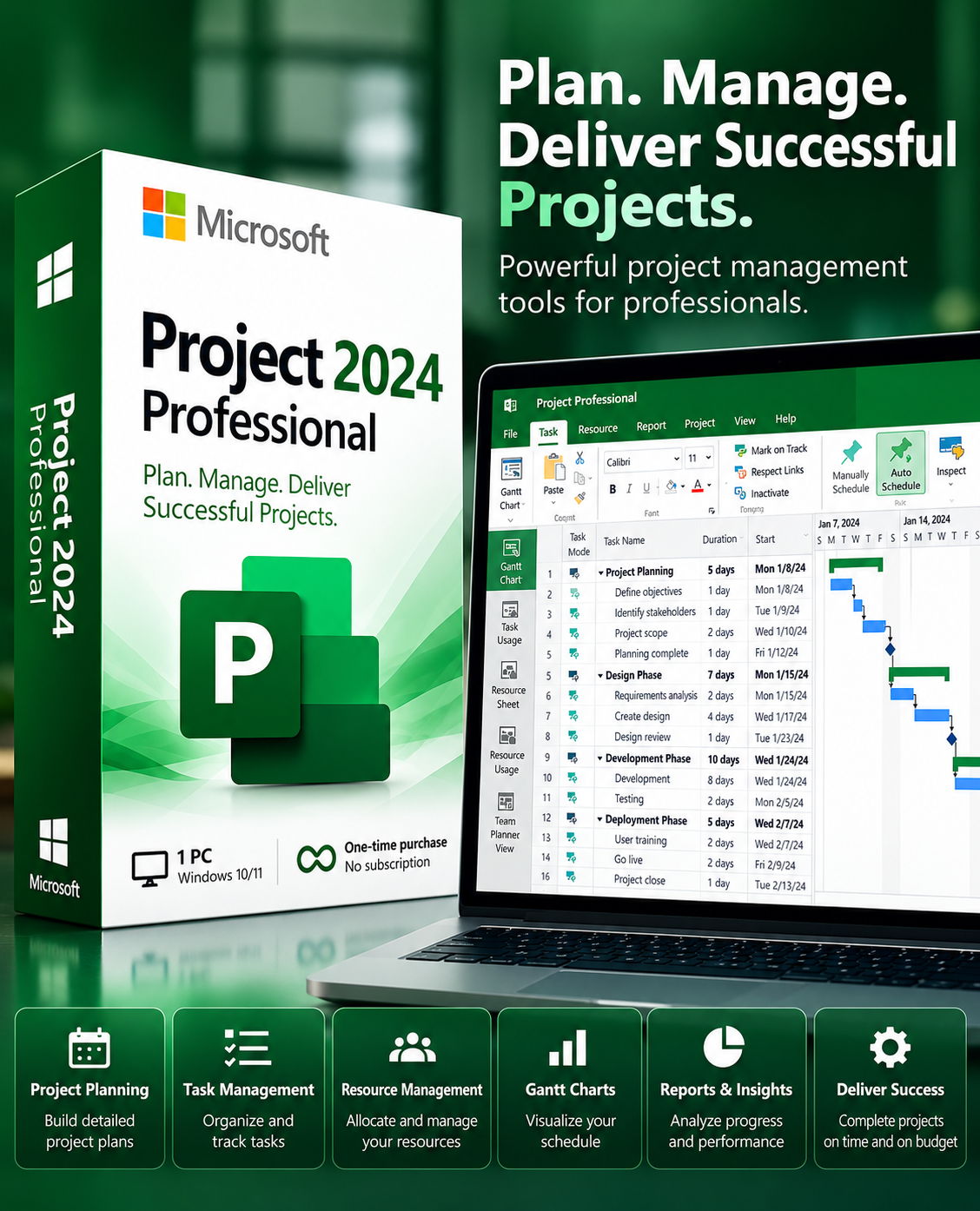
Microsoft Project Professional 2024 – 1 PC – Windows
Manage complex enterprise projects, plan schedules, and optimize resource allocation with Microsoft Project 2024. Deliver projects successfully on time and on budget with advanced Gantt charts.

Product Description
Microsoft Project 2024 Professional — Enterprise Project Management & Execution
Microsoft Project 2024 Professional gives project managers, team leads, and portfolio executives powerful, intelligent tools to plan schedules, balance resources, track budgets, and collaborate seamlessly across modern business initiatives.
From complex enterprise construction, IT deployments, product development sprints, to daily operational roadmaps, Project 2024 delivers automated scheduling logic, interactive Gantt charts, and deep milestone oversight.
Fully optimized for Windows 11 and Windows 10, Project 2024 combines a familiar Microsoft Office user experience with industrial-grade project controls to ensure on-time and on-budget delivery.
Why Choose Microsoft Project 2024 Professional?

Built for Every Project Scale
Drive alignment across teams, deliver strategic roadmaps, and eliminate scheduling risks:
Interactive Gantt Charts
Build flexible task hierarchies, link dependencies, and establish reliable milestone roadmaps.
Resource Management
Track human, material, and cost resources while leveling workloads across teams.
Budget & Cost Control
Calculate baseline costs, earned value analytics, and monitor budget expenditures continuously.
Critical Path Method
Identify task chains that directly dictate project completion to eliminate late delivery.
Turnkey Templates
Get moving fast with dozens of pre-configured industry templates for IT, Agile, and Business.
Core Features & Project Controls
Explore the high-performance toolset built directly into Microsoft Project 2024 Professional:

Detailed Technical Specifications
Full software specifications and licensing details:
| Publisher | Microsoft |
| Product | Project Professional 2024 |
| Edition | Professional |
| License Type | One-Time Purchase (Perpetual Lifetime 1 PC License) |
| Supported Devices | 1 Windows PC |
| Operating System | Windows 10 / Windows 11 (32-bit & 64-bit) |
| Delivery | Instant Digital Delivery via Email (Key + setup instructions) |
| Available Languages | Multilingual (English, French, Spanish, German, etc.) |
| Category | Enterprise Project Management & Productivity |
System Requirements for Microsoft Project Professional 2024 – 1 PC – Windows
Please ensure your hardware and operating environment satisfy the following minimum requirements before redeeming your license key.
Customer Reviews
View AllInstant delivery right to my inbox. The license key activated smoothly on the official site without any issues. Highly recommended!
Legitimate digital software at an unbelievable price. Customer support replied within minutes when I asked for installation instructions.
Great experience from purchase to download. Clean license, direct server download, everything working 100% perfectly.
Delivery & Activation
How to receive, install, and activate Microsoft Project 2024 Professional?
Step 1 — Place Your Order
Select your product and complete your purchase securely via our checkout system.
Step 2 — Email Delivery (1–2h)
Your digital product key, official download links, and installation guide are delivered directly to your inbox within 1–2 hours.
Step 3 — Download Software
Follow the provided step-by-step instructions to download genuine Microsoft Project 2024 Professional setup files directly.
Step 4 — Install & Activate
Run setup on your Windows PC and activate the software using your dedicated 25-character product key.
Step 5 — Start Managing Projects
Build robust Gantt charts, manage workloads, and guide enterprise deliverables with full control.
Frequently Asked Questions
Yes, Microsoft Project 2024 Professional is fully optimized for Windows 11 and Windows 10 (both 64-bit and 32-bit systems).
This is a genuine one-time purchase perpetual lifetime license for 1 PC. There are no recurring monthly or annual Microsoft 365 subscription fees.
Yes. Microsoft Project 2024 Professional provides industry-standard interactive Gantt charts, timeline views, task dependencies, critical path tracking, and automated schedule recalculation.
Yes. Once downloaded, installed, and activated, Microsoft Project 2024 runs completely offline on your desktop PC.
Project 2024 features comprehensive resource sheets where you can define labor, material, and cost resources, monitor capacity heatmaps, track budget burn rates, and level resources across complex workloads.
Your digital 25-character product activation key, official direct Microsoft setup download links, and a complete installation guide will be delivered to your email address within 1–2 hours.
All orders include dedicated LUMEURA technical customer support to guide you through installation, activation, and license validation.
Microsoft Power BI Premium – 1 User – Lifetime

Kaspersky Internet Security – 1 Device – PC / Mac / Android
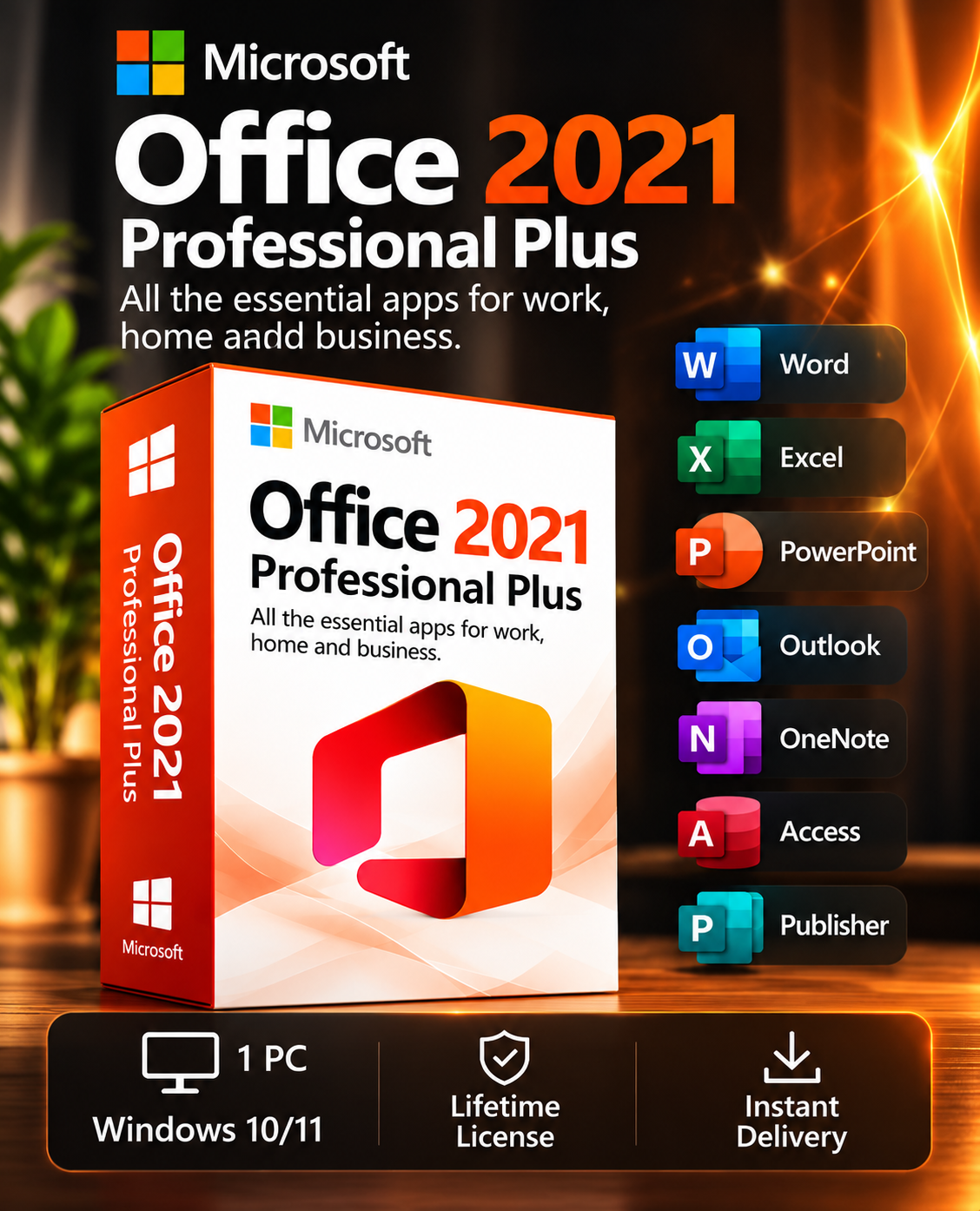
Microsoft Office 2021 Professional Plus | 1 PC | Digital License
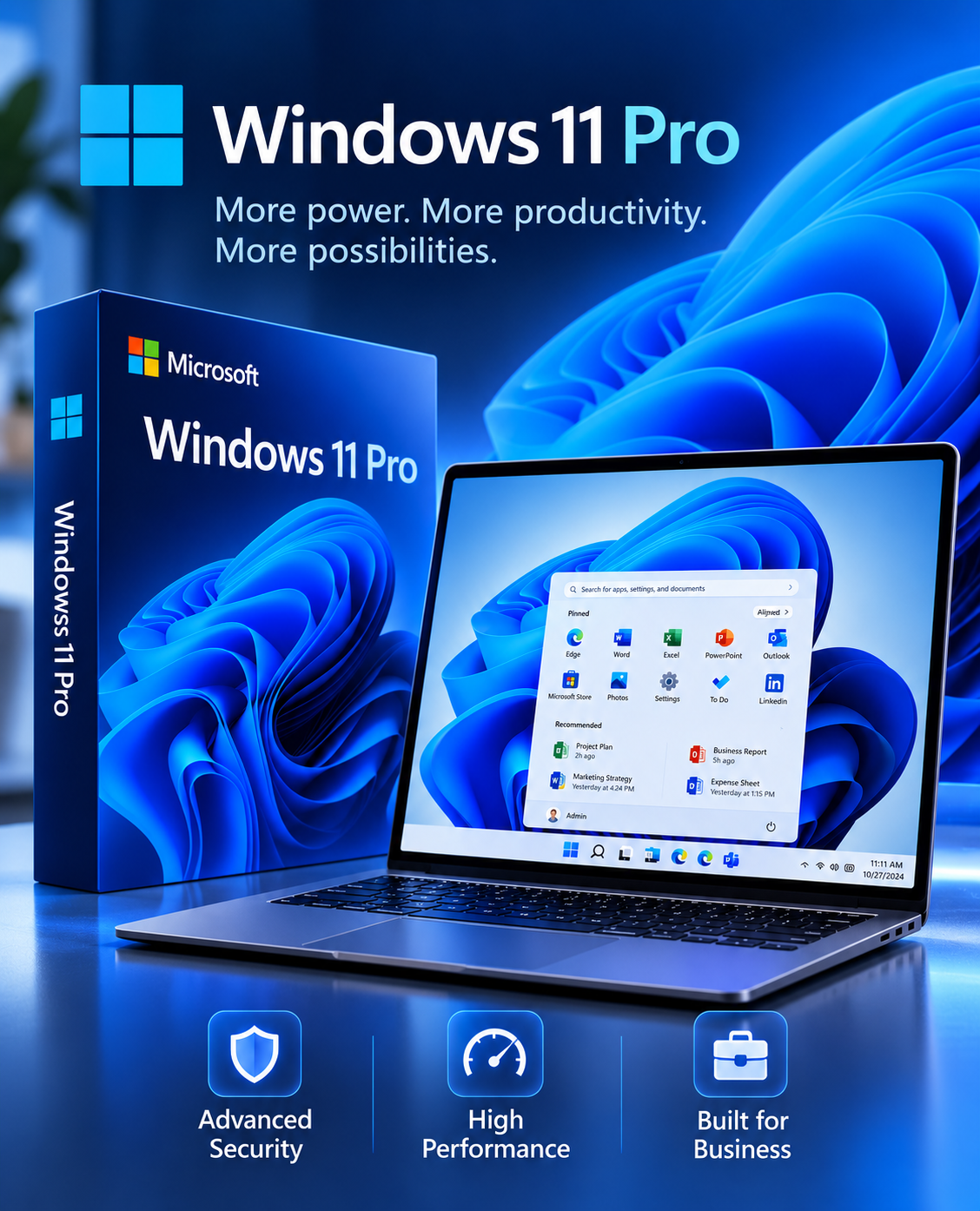
Windows 11 Professional – 1 PC – Lifetime
Microsoft Visual Studio Professional 2022 – 1 PC – Lifetime

Intelligent Photogrammetry 2024 Professional
Microsoft Visio Professional 2021 – 1 PC – Windows
Microsoft 365 Personal – 1 Year Subscription | 1 User | PC, Mac & Mobile
Need Help?
Our dedicated LUMEURA technical support team is available to assist you with installation, license configuration, and activation of Microsoft Project 2024.
Write a Review