
Microsoft 365 Personal – 1 Year Subscription | 1 User | PC, Mac & Mobile
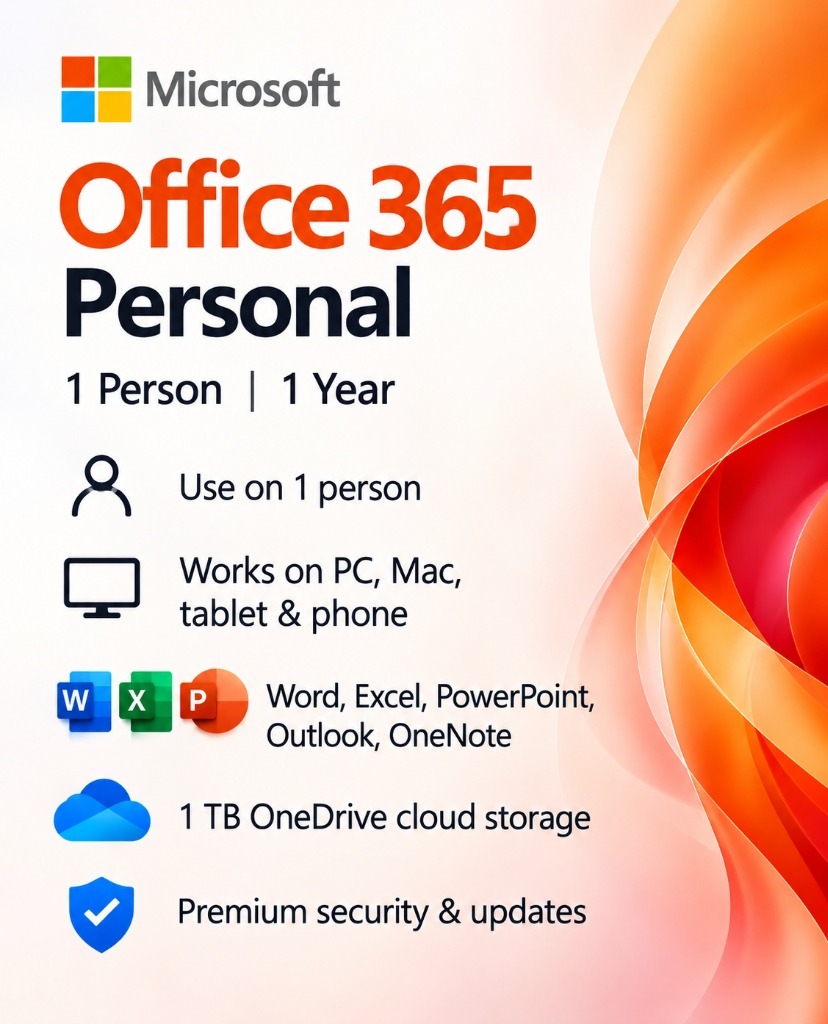
Get more done with Microsoft 365 Personal. Enjoy premium Word, Excel, PowerPoint, Outlook, OneNote, and 1 TB of OneDrive cloud storage with a 12-month subscription for one person. Work across compatible PCs, Macs, tablets, and smartphones.
Product Description
Microsoft 365 Personal — Premium Productivity for Everyday Life
Create. Organize. Collaborate. Achieve More.
Microsoft 365 Personal brings together essential productivity applications and cloud storage in one convenient subscription. Whether you’re preparing professional documents, managing budgets, creating presentations, organizing emails, or storing important files, Microsoft 365 gives you the tools to work efficiently across compatible devices.
What’s Included
- Microsoft Word: Create, edit, and format professional documents.
- Microsoft Excel: Organize data, build spreadsheets, perform calculations, and create charts.
- Microsoft PowerPoint: Design engaging presentations with professional layouts and visual effects.
- Microsoft Outlook: Manage your emails, calendars, and contacts.
- Microsoft OneNote: Capture ideas, organize notes, and keep your projects together.
- Microsoft OneDrive: Store and access your files with 1 TB of cloud storage.
Why Choose Microsoft 365 Personal?
- One Subscription, Multiple Devices: Use Microsoft 365 across compatible Windows PCs, Macs, tablets, and smartphones with a subscription designed for one person.
- 1 TB of Cloud Storage: Keep your documents, photos, and other important files organized and accessible through OneDrive.
- Premium Productivity Applications: Access powerful tools for writing, spreadsheets, presentations, email management, and note-taking.
- Continuous Improvements: Receive applicable application updates and feature improvements during your active subscription.
- Work from Anywhere: Start working on one compatible device and continue on another using your Microsoft account and cloud-connected files.
Subscription Details
- Product: Microsoft 365 Personal
- Subscription Duration: 12 Months
- Number of Users: 1 Person
- Platform: Windows, macOS, and supported mobile devices
- Cloud Storage: 1 TB OneDrive
- Account: Microsoft Account required
- Delivery Format: Digital
Before Purchasing
Please verify that your device meets Microsoft’s current system requirements and that the subscription is valid for your Microsoft account and country.
Important: Microsoft 365 Personal is a recurring subscription product, not a permanent lifetime license. Renewal conditions depend on the subscription and redemption method supplied.
System Requirements for Microsoft 365 Personal – 1 Year Subscription | 1 User | PC, Mac & Mobile
Please ensure your hardware and operating environment satisfy the following minimum requirements before redeeming your license key.
Customer Reviews
No Reviews Yet
Be the first to share your experience with this software. Your feedback helps other customers make informed decisions.
Instant Delivery & Activation Process
All digital products purchased at LUMEURA include genuine licensing, automated dispatch, and full official manufacturer verification.
Order & Instant Dispatch
Immediately after completing checkout, your genuine license key and order invoice are dispatched to your email address.
Official Installer Download
Download the setup files directly from the official manufacturer servers using the secure link provided in your delivery email.
Enter Key & Activate
Enter your genuine product key during installation or inside software settings. Your product validates automatically online.
Frequently Asked Questions
No. Microsoft 365 Personal is a subscription valid for 12 months.
Microsoft 365 Personal is designed for one person across multiple compatible devices.
Yes. The subscription includes premium versions of Word, Excel, PowerPoint, Outlook, OneNote, and OneDrive.
Microsoft 365 Personal includes 1 TB (1,000 GB) of OneDrive cloud storage.
Yes, on compatible Windows PCs and macOS computers, as well as supported mobile iOS and Android applications.
Yes. A Microsoft account is required to activate and manage your subscription.
Key Features
View AllPremium Office Apps
Word, Excel, PowerPoint and more
1 TB Cloud Storage
Secure OneDrive file storage
Multiple Devices
Work on PC, Mac and mobile
Regular Updates
Ongoing improvements and features
File Protection
Microsoft account security features
One Person
Personal subscription for one user
Specifications
Customer Reviews
No Reviews Yet
Be the first to share your experience with this software. Your feedback helps other customers make informed decisions.
Need Help?
Our dedicated support team is here to help you with activation, installation, or edition questions 24/7.
Write a Review